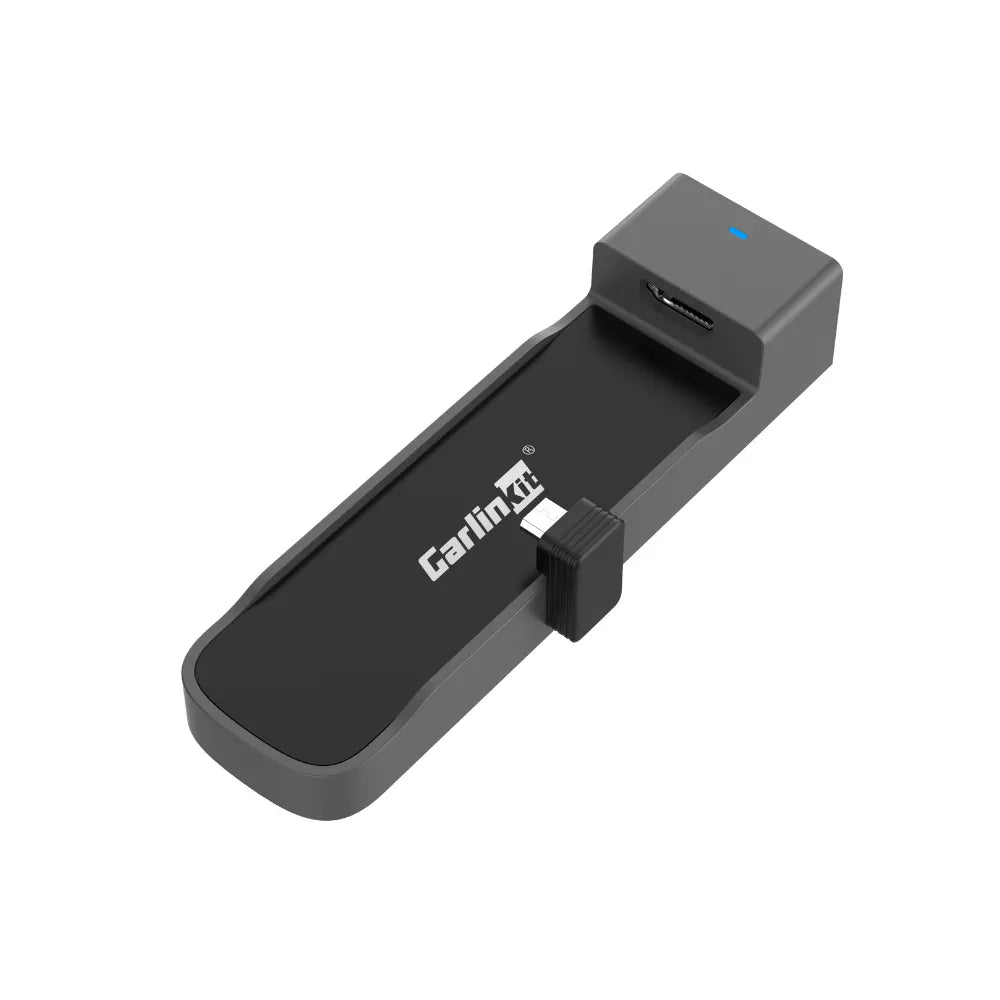
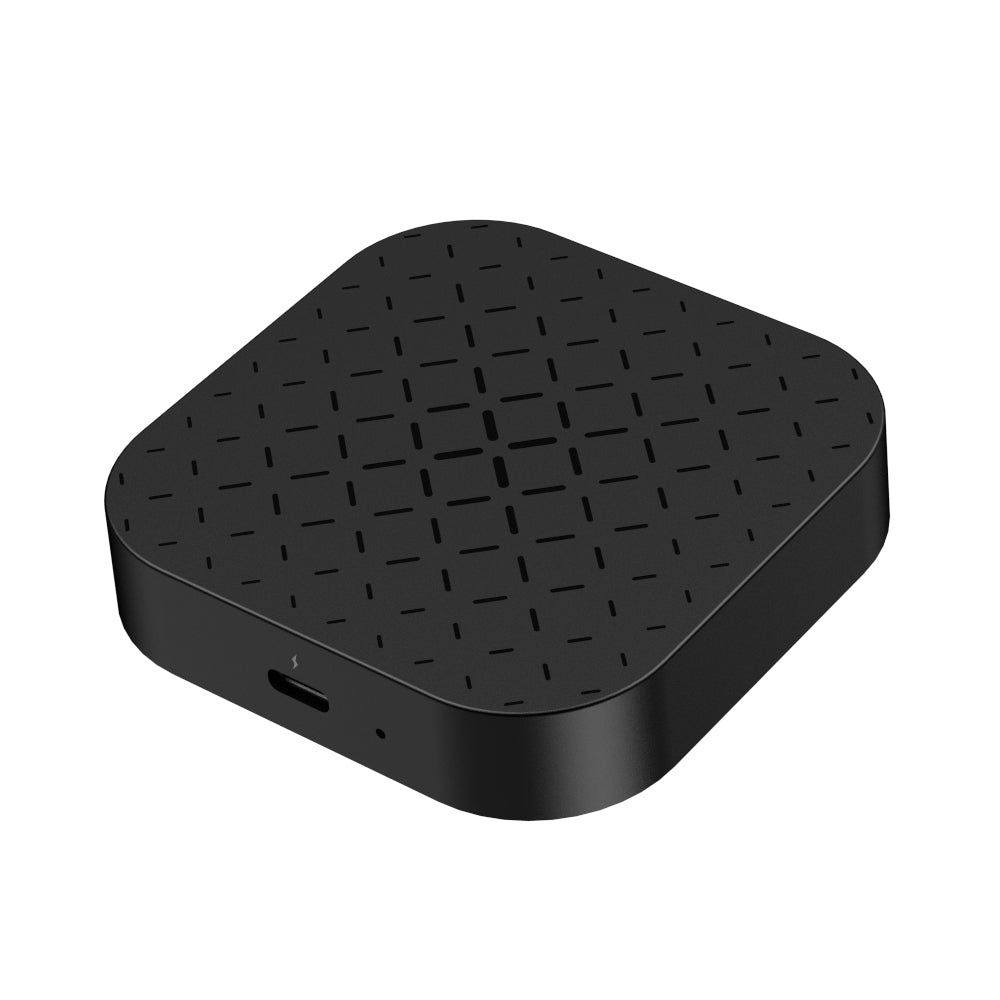
What is the Carlinkit FireDrive Link?
The CarlinKit FireDrive Link is specifically designed for Amazon’s Fire TV Stick . It seamlessly converts wired Apple CarPlay into an HDMI streaming platform, allowing you to enjoy all your favorite video content directly on your car’s display. The setup is incredibly simple—just plug it in, and you’re ready to go!
Comparison of FireDrive Link Pro and FireDrive Link:
Feature
FireDrive Link Pro
FireDrive Link
Requirement
Original wired CarPlay required
Original wired CarPlay required
HDMI Sources Input
✅
✅
Wireless CarPlay
✅
❌
Wireless Android Auto
✅
❌
Stream Your Favorites On the Go
With Carlinkit FireDrive Link, you can stream your favorite content right on your car’s display. Enjoy YouTube TV, Apple TV, Disney+, Spotify, Netflix, Hulu, Prime Video, and more—anytime, anywhere.
Fire TV on Your CarPlay Display
You can use your Fire TV Stick in your car just as easily as you do at home. Once connected and powered on, the FireDrive Link starts up in less than 10 seconds and brings up its main menu on the CarPlay display. From there, you can control everything using the Fire TV Stick remote or a connected Bluetooth controller.
FireDrive Link Connection Scheme:
🚘 Compatible Models:
Support 98% of Wired CarPlay Car models.
Support Fire TV Stick:
For Amazon Fire TV Stick For Amazon Fire TV Stick 4K For Amazon Fire TV Stick HD For Amazon Fire TV Stick 4K Max For Amazon Fire TV Stick Lite ……
Package List and Size:
Tips: 1. Touch-through is not supported, so you’ll need to use the Fire TV Stick remote or a connected Bluetooth controller to interact with the interface.
Carlinkit FireDrive Link Specifications:
Model
FireDrive Link
Feature 1
Supports fire TV stick HDMI sources input
Feature 2
Original CarPlay upgrade HDMI adapter
 Deutsch
 English
 Español
 Français
 Português
 Русский
 العربية
 中文
中文 日本語
日本語 한국어
한국어
レビュー
レビューはまだありません。