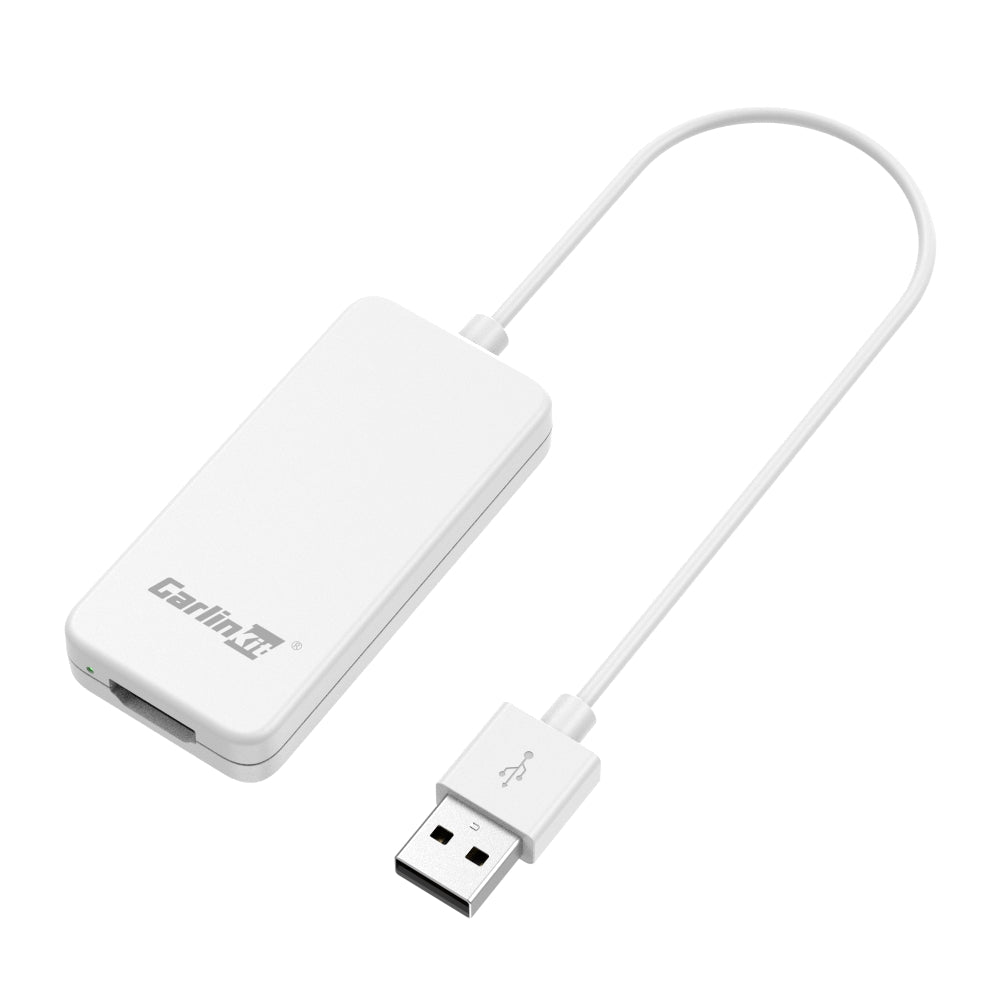
What is CPC200-HD2CP?
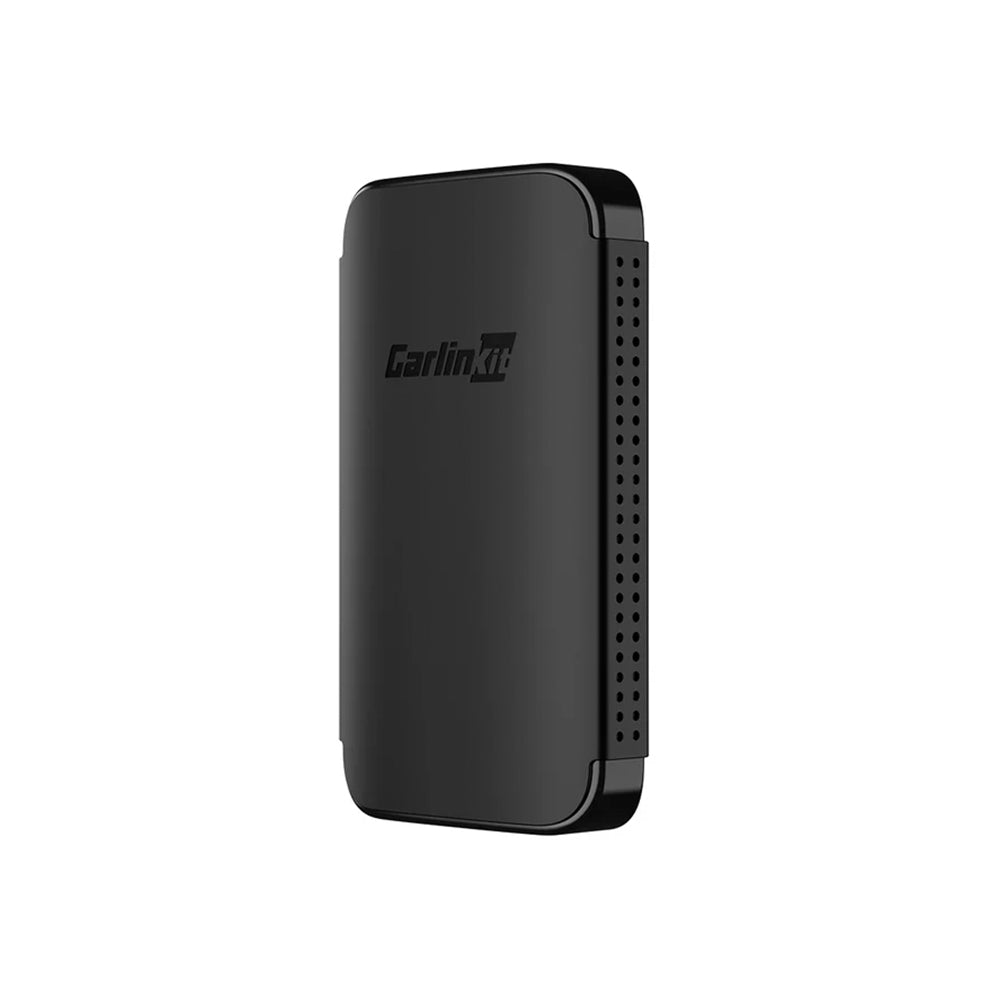
The Carlinkit HD2CP allows you to cast any HDMI device to CarPlay Display, offering a user-friendly interface and familiar menu layout. You can easily plug in a streaming device like an Amazon Fire TV Stick or Google Chromecast and use the remote to browse and watch content directly on your CarPlay display.
CarPlay to HDMI Adapter
The HD2CP allows you to connect various HDMI signal sources—such as TV boxes, game consoles, smartphones, and laptops—to your car’s screen. Effortlessly enhance your in-car entertainment experience with a wider range of options.
Carlinkit HD2CP – How to use it?
Step 1: Plug the Carlinkit HD2CP dongle into your car’s USB port. On your car’s original system interface (varies by car model), tap the “CarPlay” icon to access the main interface of the HD adapter.
Step 2: Connect an external HD device, like a TV stick, laptop, or another HD source, to the HDMI port of the HD2CP adapter.
Step 3: After connecting to the main interface of the HD device, use the remote control/computer mouse to control the playback of HD videos, you can enjoy driving entertainment with high-quality audio and HD video needs.
Compatible Models
Support 98% of Wired CarPlay Car models.
Carlinkit HD2CP Specifications:
Model
CPC200-HD2CP
CPU
CortexTM-A7 core@900MHz
Power Input
5V±0.2V⎓1.0A
WiFi Frequency
802.11n b/g/n, 2.4G
Product Power Consumption
2W (MAX)
Support HD Resolution
Up to 1080P@60fps
Product Material
ABS
Ports
LED indicator, HDMI port, USB port
Product Size
70.9×33.7×11.5mm
Weight
0.0304kg
CPC200-HD2CP Size and Package Details:
Note: 1. If your car does not have wired CarPlay, you won’t be able to use the CPC200-HD2CP dongle. 2. The CPC200-HD2CP does not include wireless CarPlay or Android Auto features. If you want wireless CarPlay or Android Auto functionality
 Deutsch
 English
 Español
 Français
 Português
 Русский
 العربية
 中文
中文 日本語
日本語 한국어
한국어
المراجعات
لا توجد مراجعات بعد.